
What Is a San Bernardino County Court Docket
A San Bernardino County court docket is the running log of every action taken in a Superior Court case. The docket is built by the Clerk of the Superior Court. Each line is one event. Each event has a date, a short label, and often a link to the filed paper. The docket is not the full case file. The full case file holds the actual motions, exhibits, orders, and signed judgments. The docket is the index that points to those papers.
Think of it like this. A docket shows that a motion was filed on March 4. The full case record holds the motion itself, the brief, the exhibits, and the judge's later order. Court staff use the docket to run the case. The public can use the docket to track a case without paying to pull every document. San Bernardino County court dockets cover civil, criminal, family, probate, traffic, mental health, and small claims cases handled by the unified Superior Court.
How to Find a San Bernardino County Court Docket Entry
The main place to find a San Bernardino County court docket entry is CAP at cap.sb-court.org. CAP is free. CAP shows case info, party lists, events, hearings, causes of action, documents, and other docs. Each case opens to a set of tabs across the top of the case-detail page. The tabs hold the docket data.
- Open CAP at cap.sb-court.org and pick a search route. Use Case Number, Party Name, Business Name, Citation, Advanced, or Calendar.
- Enter your search value. A case number needs 5 to 20 characters. A name needs at least two letters. A business needs at least three.
- Pass the reCAPTCHA check if you are not logged in. Some fields such as date of birth or business search require a login.
- Click the case caption in the result list to open the case-detail page.
- Use the tabs to read the docket. The tabs are CASE INFO, PARTIES, EVENTS, HEARINGS, CAUSES, DOCUMENTS, OTHER DOCS, ARREST/CHARGES/DISPO., BONDS/WARRANT, RELATED, and FINANCIALS.
- Open EVENTS to see filed papers in date order. Open HEARINGS to see set dates and outcomes.
The civil division explains the broader case flow that drives those docket entries. The home page for the legacy civil division is old.sb-court.org.
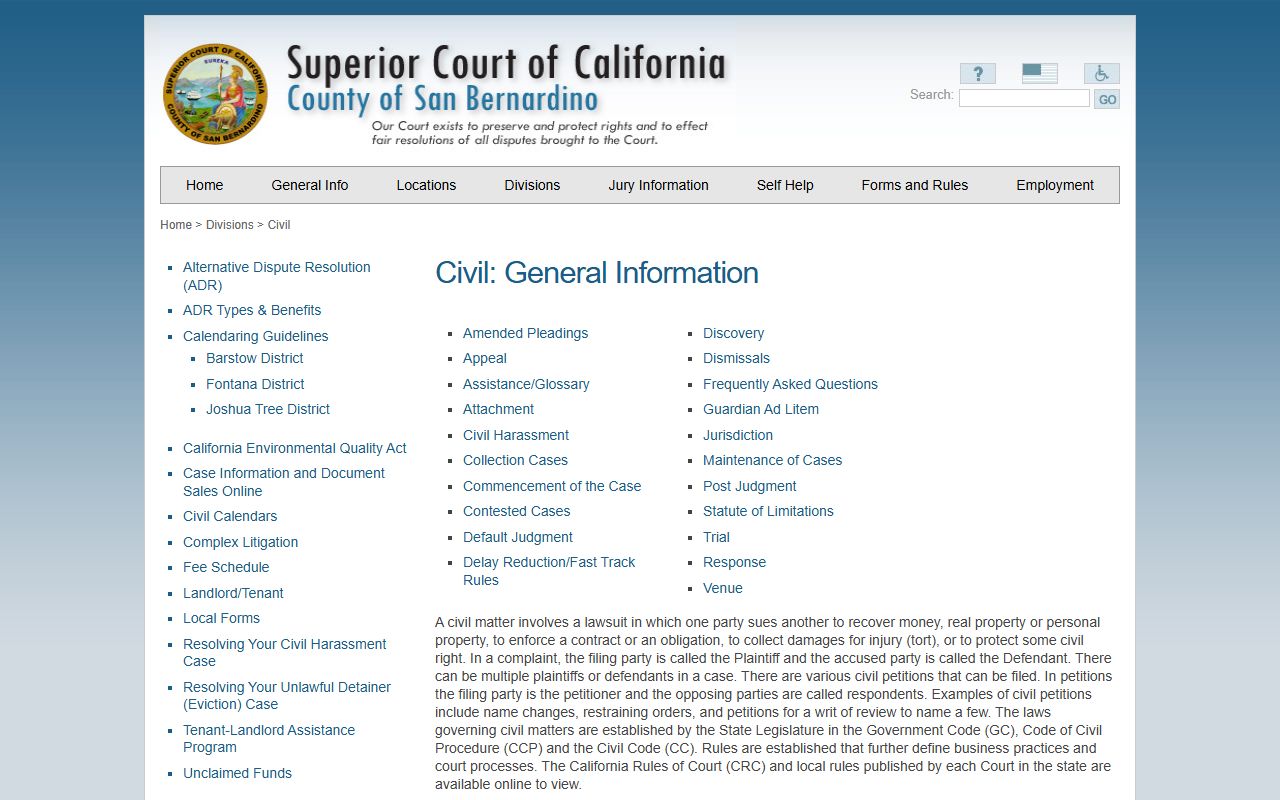
The civil division page covers limited and unlimited civil matters, venue, complaints, answers, and trial. Those steps are the same events that appear as docket entries inside CAP.
CAP Advanced Search for San Bernardino County Court Dockets by Filing Date
CAP Advanced Search lets you search San Bernardino County court dockets by filing date rather than by name. This is useful when you know roughly when a case was filed but not the case number. The Advanced Search page has three tabs across the top. The tabs are CASE INFO, CROSS REFERENCE #, and FILING DATE.
The CASE INFO tab requires a Filing Date From and a Filing Date To. Both use MM/DD/YYYY format. You can narrow the result set by Case Category, Case Type, Case Status, Party Type, and party name. The Case Category dropdown lists Any, Criminal, Civil, Family, and Probate / Mental Health. The Case Status dropdown is dynamic and reflects current status codes in the court database. Date of birth is optional and only accepted when enabled.
If you only have a cross-reference number, switch to the CROSS REFERENCE # tab and enter that value. If you only know the filing window, switch to the FILING DATE tab and pull the docket list for that range.
Daily San Bernardino County Court Calendars and Hearing Lists
San Bernardino County court hearings are also listed by date. CAP has a Calendar route that pulls a hearing list for a chosen court location, department, judicial officer, and date. The list works as a daily docket. Lawyers use it to confirm settings. Reporters use it to scan for cases of interest. Family members use it to find out when a case will be called.
The Calendar list shows case number, case caption, hearing type, time, department, and judicial officer. Click the case number to jump to the case-detail page and read the full docket. The Calendar feature does not need a login for most courthouses but does enforce reCAPTCHA when the system flags heavy use.
Sample San Bernardino County Court Docket Entry
Below is a field inventory based on the CAP case-detail template. These are the fields that build a San Bernardino County court docket entry for a single case.
| Field | What It Shows |
|---|---|
| Case Number | The court file number, with a jurisdiction code prefix such as SS, RS, or VS. |
| Case Type | The class of case, for example RFL for family law or CIV for civil. |
| Citation Number | For traffic and infraction cases, the ticket number tied to the file. |
| Filing Date | The day the case was opened by the Clerk of the Superior Court. |
| Case Status | Open, closed, stayed, dismissed, or other dynamic status. |
| Court Location | The Superior Court branch handling the case, such as San Bernardino Justice Center. |
| Judicial Officer | The judge or commissioner assigned to the case. |
| Next Hearing | The next scheduled court date and department. |
| Parties | Plaintiff or petitioner, defendant or respondent, and any aliases. |
| Events | Each filed paper in date order with a short label. |
| Hearings | Each set hearing, with date, time, type, and result. |
| Causes | Causes of action in civil cases or charges in criminal cases. |
| Documents | Filed documents available for view or purchase. |
| Arrest / Charges / Dispo. | Arrest details, charge counts, and disposition outcomes for criminal cases. |
| Bonds / Warrant | Bail bonds posted and any active warrant flags. |
| Related | Co-defendant or related case numbers. |
| Financials | Fees, fines, restitution, and balance owed when data exists. |
Some fields are hidden in the public view. Date of birth shows as XXXX-XX-XX on criminal cases. Race, sex, height, weight, driver license number, state ID, and FBI number show only with secured access.
Common San Bernardino County Court Docket Entry Types
Most San Bernardino County court docket entries fall into a short list of repeat events. Knowing the labels helps you read a case fast.
- Motion Filed. A party has asked the judge to rule on a request, such as a motion to compel or a motion for summary judgment.
- Hearing Scheduled. The clerk has set a date and department for the next court appearance.
- Order Entered. The judge has signed and filed a written order. The order itself is in the Documents tab.
- Continuance. A hearing has been pushed to a later date, often by stipulation or for cause.
- Judgment Entered. The case has reached a final ruling, money award, or dissolution decree.
- Notice of Appeal. A party has filed paperwork to send the case to the Superior Court Appellate Division or the Court of Appeal.
- FTA. Failure to appear. A party did not show up for a set hearing.
- Bench Warrant Issued. The court has signed a warrant tied to an FTA or to a probation violation.
Civil vs. Criminal Docket Differences in San Bernardino County Court
Civil and criminal San Bernardino County court dockets share most of the same tabs, but the data inside differs. Civil dockets focus on parties, causes of action, motions, and judgments. They show plaintiff and defendant or petitioner and respondent. They show complaints, answers, cross-complaints, discovery motions, trial settings, and verdicts. The civil page also has document images that can be bought online at 50 cents per page.
Criminal dockets show ARREST/CHARGES/DISPO. and BONDS/WARRANT tabs that civil dockets do not use. Criminal entries include arraignment, plea, pretrial, preliminary hearing, jury trial, sentencing, and probation review. Demographic data is masked. Co-defendant case numbers appear in the RELATED tab. Bail bonds and any active warrant show in the BONDS/WARRANT tab.
Current case information and document sales for civil files are handled at sb-court.org.
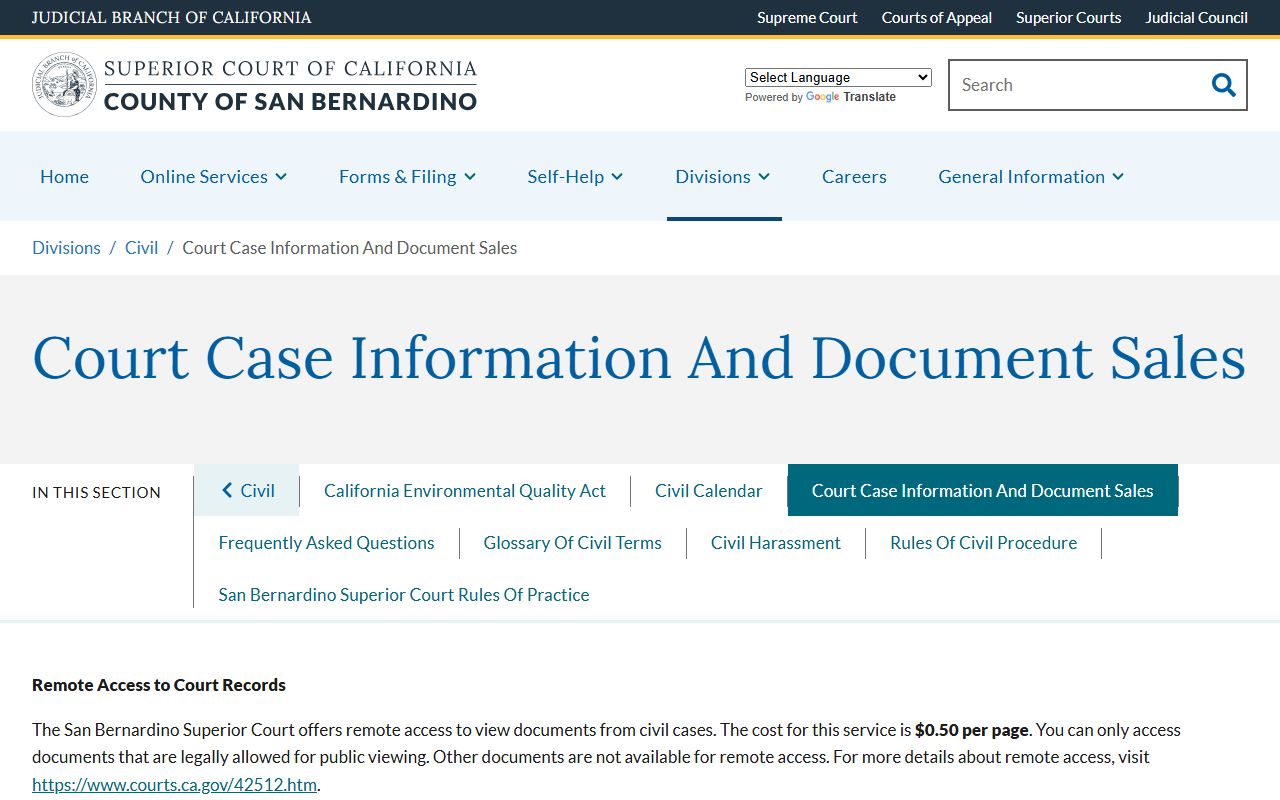
That page lists the per-page copy fee and the process for buying civil document images by case number.
Civil eFiling Through Odyssey eFileCA
Civil filings that drive new San Bernardino County court docket entries now move through Odyssey eFileCA. The Superior Court accepts and in many case types requires electronic filing for civil matters. Filed papers post to CAP after clerk review. The eFiling rules and supported case types are listed at sb-court.org/efiling.
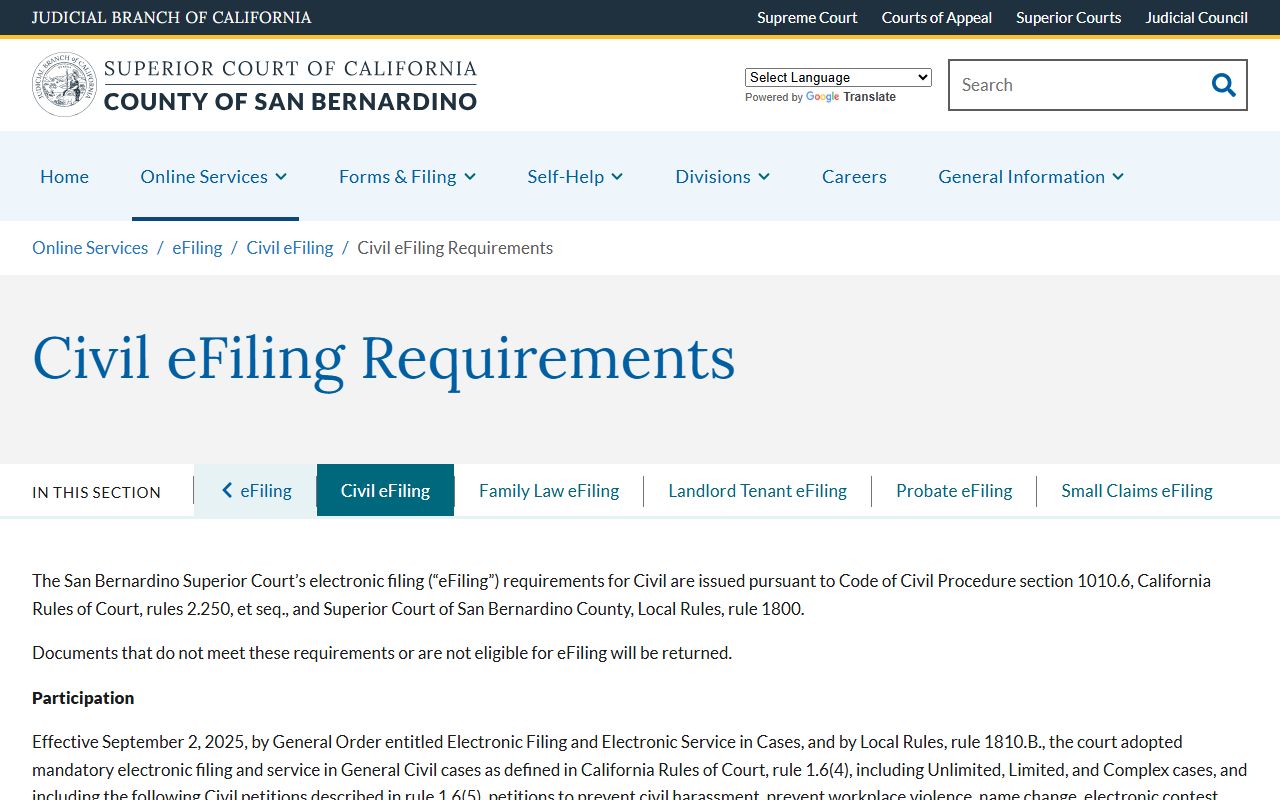
When a filing is accepted, a new event line appears in the EVENTS tab of the case. When the filing is rejected, the docket will not show the entry until the filer fixes the issue and resubmits.
Maintenance Window and Data Refresh
CAP runs a daily maintenance window from 3:30 a.m. to 4:30 a.m. Pacific time. During that hour the portal may be slow or offline. New filings made the day before usually post to the docket by the start of the next business day. Some cases filed before 1998 are not in the online index. The court directs people with older case needs to contact the district that handled the case.
If a docket entry seems missing, check the maintenance window first. After that, call the relevant Superior Court branch to ask whether the document is in the clerk's queue or has been routed to a sealed or restricted area.
San Bernardino County Court Appellate Division Dockets
Limited civil, misdemeanor, and infraction appeals first go to the Superior Court Appellate Division. The Appellate Division for San Bernardino sits at 8303 Haven Avenue in Rancho Cucamonga. Its phone line is 909-384-1888. The Appellate Division docket lists notice of appeal, designation of record, briefing schedule, oral argument setting, and final opinion. Most other appeals go to the Fourth District Court of Appeal, Division Two.
Appellate Division docket entries do not show in the trial-court CAP case in the same depth. The trial-court docket will show a Notice of Appeal event but the appellate filings live on the Appellate Division docket.
How to Read a San Bernardino County Court Docket
Case numbers carry a jurisdiction code that tells you which Superior Court branch holds the file. The code is the two-letter suffix or prefix tied to the case number. Knowing the code makes it easier to look up the docket and to call the right clerk.
- SS, DS, JS - San Bernardino (main, civil, criminal)
- RS - Rancho Cucamonga
- VS - Victorville
- BS - Barstow
- MS - Joshua Tree
- NS - Needles
- CS - Chino
- FS - Fontana
- ES - Redlands
- PS - Probate
- HS - Big Bear
The court points out that the displayed case type and the real case number can differ. The official example is RFL012345. RFL is the case type code for a Rancho Cucamonga family law case. The actual stored case number is RS012345. Keep this in mind when copying case numbers from court papers into CAP.
Other short codes you will see on a San Bernardino County court docket include FTA for failure to appear, OSC for order to show cause, MSC for mandatory settlement conference, CMC for case management conference, and CR for criminal. Disposition labels include dismissed, guilty, not guilty, no contest, sustained, and stricken.